

Gallery is a photo and video management app designed by Google to help users organize, edit, and view their media. It focuses on providing automatic organization features, simple editing tools, and efficient performance. Users can quickly find specific photos and videos, enhance their appearance with a single tap, and manage their media collection even without an internet connection.
Automatic Media Organization
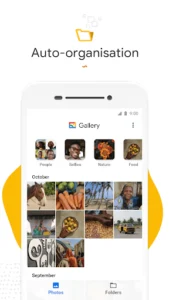
The app automatically organizes photos and videos on a nightly basis. This process groups content into categories such as People, Selfies, Nature, Animals, Documents, Videos, and Movies. This automatic sorting aims to reduce the time spent scrolling through a gallery to locate particular images or clips. Note that face grouping, which contributes to the People category, may not be available in all countries.
Photo Editing Capabilities
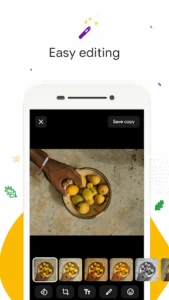
Gallery includes straightforward photo editing tools. A notable feature is auto-enhance, which allows users to improve the appearance of their photos with a single tap. This provides a quick way to make images look their best without requiring extensive manual adjustments.
Folder and SD Card Management
Users can organize their photos and videos into custom folders, offering flexibility in how they structure their media library. The app also supports SD cards, enabling users to view, copy, and transfer files to and from these external storage devices with ease.
Performance and Offline Access
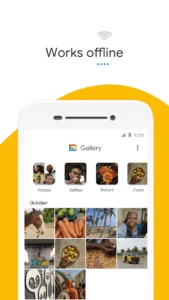
Gallery is designed with a small file size, which helps conserve storage space on the device for more photos and videos. It also uses less memory, aiming to prevent the app from slowing down the phone’s overall performance. The app is optimized to work offline, allowing users to manage and store their media without relying on an internet connection or consuming mobile data.














Write a review